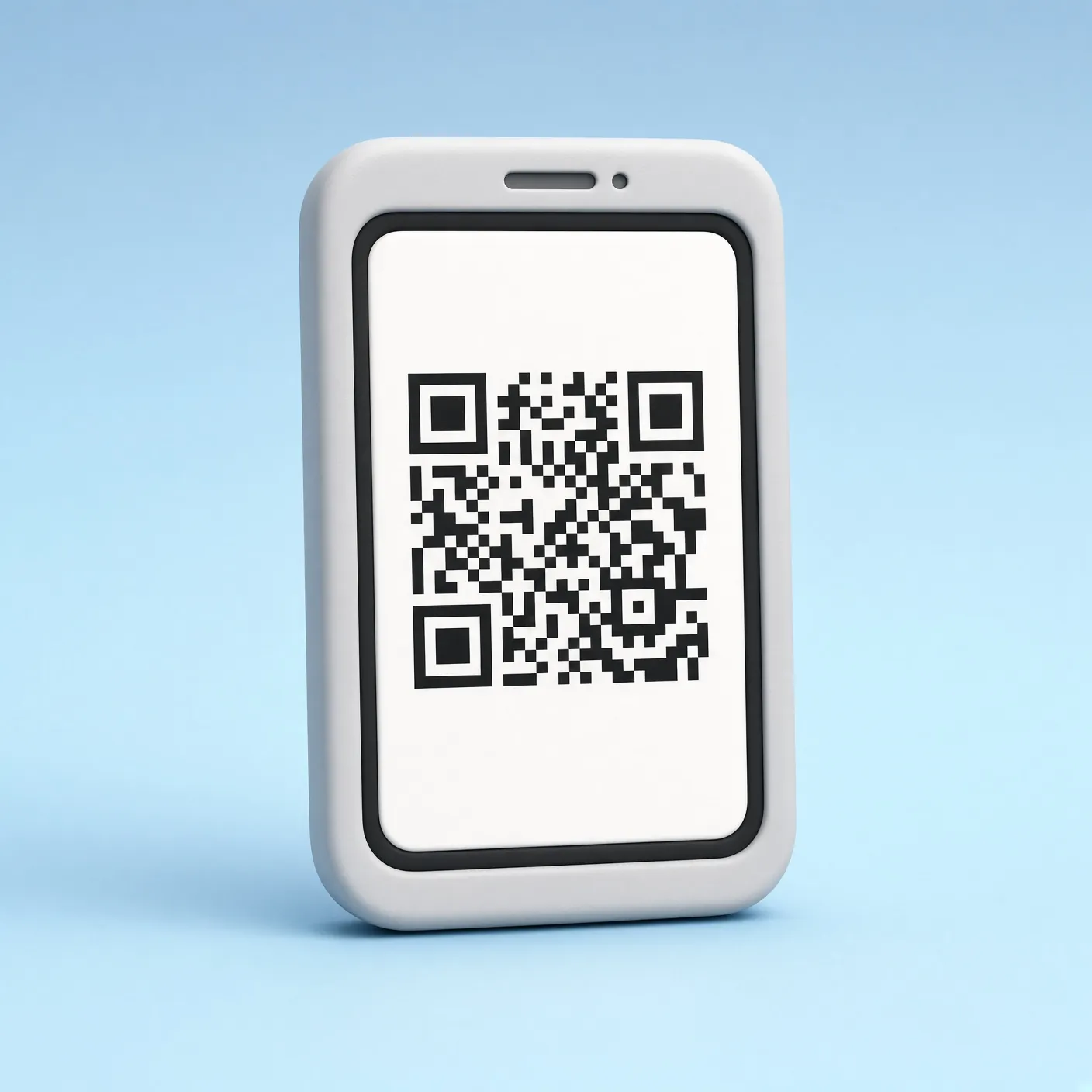
4 steps
iPhone
- 1Open Settings → Cellular → Add eSIM.
- 2Choose Use QR Code and scan the code from the email.
- 3Label the line, for example Trip.
- 4Set that line for cellular data. Enable data roaming only on it.

Step-by-step guide

Questions about eSIM, plans or setup — write to us and we will help.